
Quick Reminders
2 Hours Ago
1.79M
v179
Android 6.0+
1 million
Description
Keeping track of small tasks can be difficult when the day is busy. Quick Reminders is designed for people who want a simple way to save notes, set task alerts, prepare lists, and keep important items visible on an Android phone. Instead of behaving like a large project-management tool, the app focuses on quick everyday reminders that are easy to create and easy to check.
Google Play lists support for text notes, lists, images, contacts, voice notes, scheduled and repeating reminders, pinned notifications, a home-screen widget, natural-language scheduling, and calendar actions.
What Is Quick Reminders?
Quick Reminders is an Android productivity app from LeeDrOiD Labs. It lets users create short notes and task alerts for daily activities such as shopping, school work, office tasks, calls, appointments, bills, packing lists, and personal routines. A reminder can be scheduled for a later time or pinned to the notification area so it remains easy to notice.

The app is useful for people who do not want to open a complicated organizer every time they need to remember one small thing. Users can create a reminder, choose when it should appear, and then return to other work. This makes it suitable for both regular daily tasks and one-time notes.
Main Features of the App
Quick Reminders includes several tools for handling everyday tasks. Users can create ordinary text reminders, build checklists, save shopping lists, attach images, add contact details, and record voice notes. Reminders can also be repeated for activities that happen on a daily, weekly, weekday, or custom schedule.
Custom sorting also lets users move important tasks higher in the list. Saved reminders can be reused for repeated shopping lists, work routines, or regular household jobs. These features can make everyday planning easier without turning a small reminder into a large project.
Simple Mobile Interface
The layout is made for fast use on a phone. The main idea is to reduce the number of steps needed to create or view a reminder. Instead of filling the screen with large planning boards, the app keeps attention on notes, lists, and scheduled alerts.
Users can open saved items, review active tasks, edit an existing reminder, duplicate a useful one, or check reminder history. The home-screen widget can also provide quick access without requiring the main app to be opened every time.
Pinned Notification Reminders
One of the most useful parts of Quick Reminders is the ability to pin a reminder to the Android notification panel. This can help when a normal reminder is easy to forget after it has been dismissed. A pinned note can stay visible until the user decides to complete, edit, or remove it.
This can work well for small tasks such as calling someone later, buying an item, or remembering a job before leaving home. A visible notification can provide a useful prompt while the phone is being used normally.
Natural Language Scheduling
Quick Reminders supports natural scheduling phrases. Instead of manually choosing every date and time, a user can type a phrase such as “tomorrow at 8,” “in two hours,” or “next Friday at 9.” The app prepares a matching time that can be reviewed before the reminder is saved.
This feature can make reminder creation faster, especially when a person needs to save a task while doing something else. Manual scheduling is still useful when an exact date, time, or repeat pattern is needed.
Voice Notes and Voice Input
Typing is not always the fastest option. The app supports voice notes, allowing a person to record an idea or instruction and keep it as a reminder. Voice input can also help when creating reminder text or scheduling information.
Audio reminders are useful for short instructions, ideas, shopping details, or messages that are easier to speak than type. Depending on the device and notification settings, spoken reminder options may also be available.
Lists, Checklists, and Everyday Tasks
Quick Reminders can also work as a lightweight to-do list app. Users can prepare shopping lists, packing lists, work tasks, study jobs, or simple daily routines. A checklist makes it easier to mark items as they are completed.
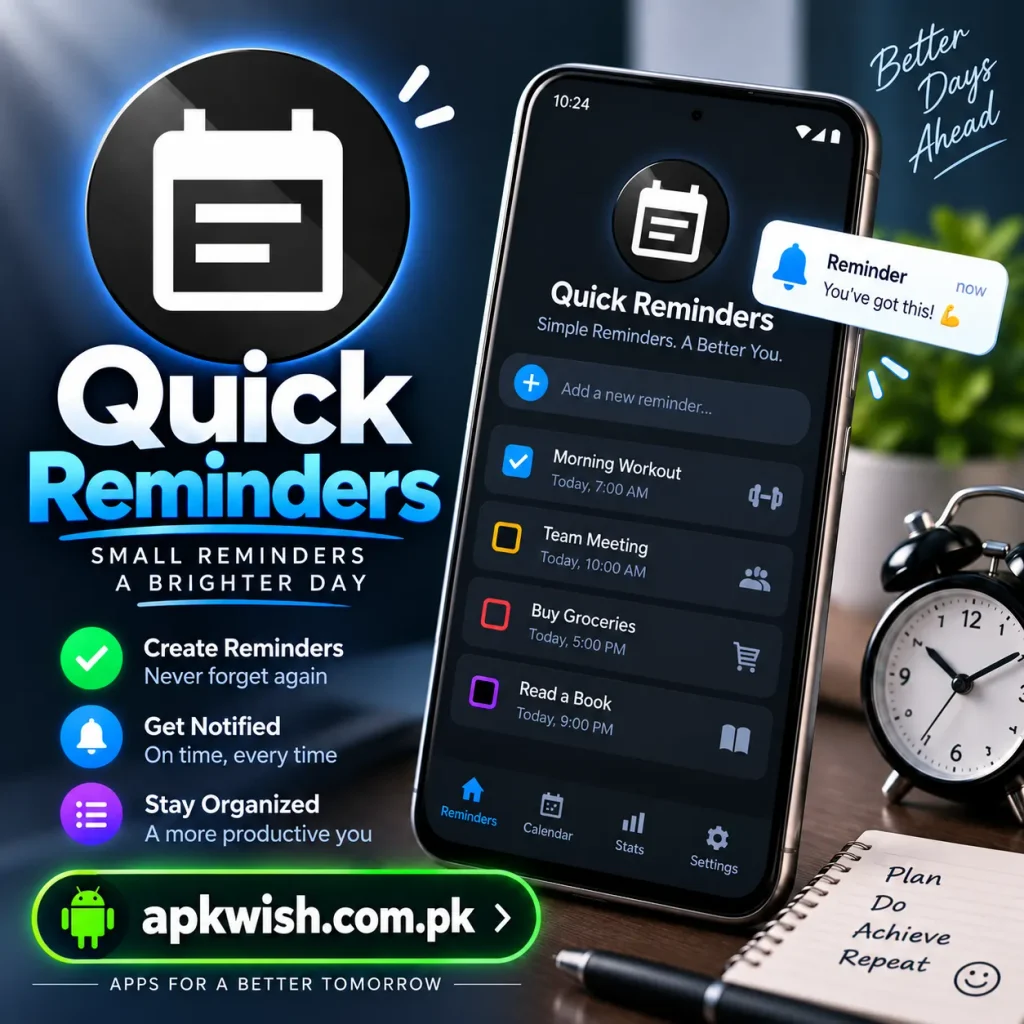
The simple approach suits people who need a clean place for small tasks without building detailed project boards. This makes it suitable for everyday jobs that do not require a full business planning system.
Image and Contact Reminders
Sometimes a picture is more useful than a sentence. Quick Reminders allows images to be attached to reminders, which can help with products to buy, things to repair, documents to remember, or items to collect. Contact details can also be included when a reminder is related to a call or follow-up.
These options keep useful reminder information in one place. A visual reminder may also be easier to understand quickly when the user is busy.
Home Screen Widget and Calendar
The home-screen widget gives Quick Reminders another convenient access point. Users can view important notes and active reminders from the phone’s home screen. This can save time when the same tasks need to be checked regularly.
The app can also send a reminder to a preferred calendar app. This is useful when a quick note later becomes a proper appointment, meeting, birthday reminder, call, or scheduled event.
Who Can Use This App?
This app can be helpful for students, office workers, busy parents, shopkeepers, freelancers, and anyone who frequently forgets small tasks. A student may use it for assignment dates, while an office worker can save meeting notes and follow-up calls. A shopper can make a checklist, and a traveler can prepare a packing reminder.
It is especially suitable for people who prefer short reminders instead of a complex productivity system. People can use different reminder types depending on what they need to remember during the day.
How to Download and Install?
The safest way to install Quick Reminders is through its official Google Play page. Open Google Play on an Android device, search for the app name, check the developer information, and review the app details before installing or purchasing it.
If an APK comes from another source, check that the file is trustworthy and current, and avoid unnecessary permissions. Using a known source can reduce the chance of downloading a modified or outdated application.
How to Create a Reminder?
Using Quick Reminders is straightforward. Open the app and choose the option to create a new reminder. Add a title or note, then select a schedule if the reminder should appear later. For an ongoing prompt, pin it to notifications. Lists, images, contacts, and voice notes can be added when they are useful.
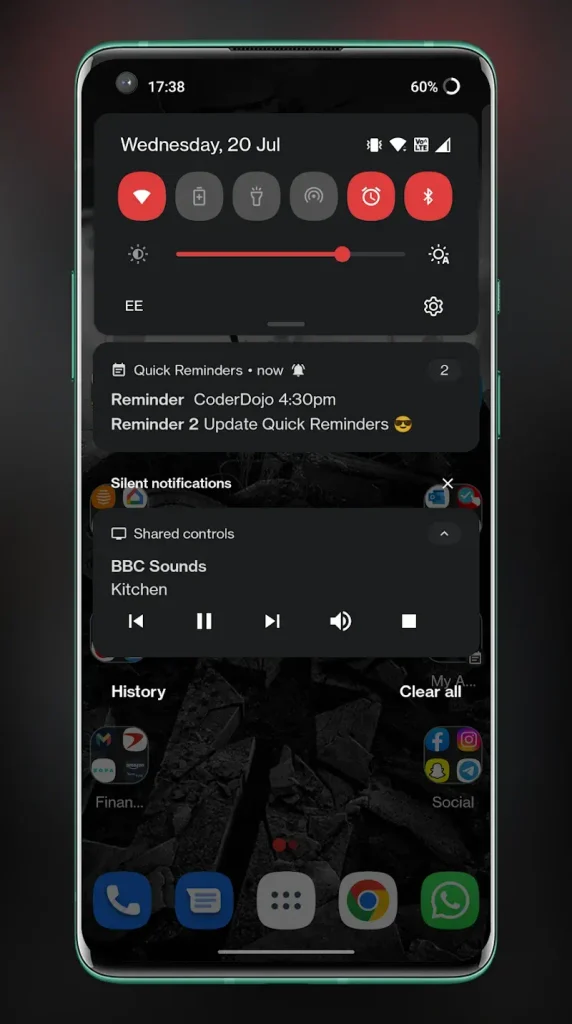
Before saving, review the time, repeat settings, and Android notification permissions. Correct notification settings are important because blocked notifications can prevent an alert from appearing as expected.
Privacy and Permissions
According to the current Google Play data-safety section, the developer states that the app does not collect data and does not share data with third parties. Users should still review the latest Play Store information because privacy declarations and app features can change over time.
Notification access and other system settings can affect how the app works. Some full-screen, lock-screen, spoken, or repeating alert features may depend on the Android version and phone manufacturer.
Advantages and Limitations
A main advantage of Quick Reminders is its focus on speed. It combines notes, lists, scheduled alerts, pinned notifications, image reminders, voice notes, a widget, and calendar options without requiring a heavy project-management setup. This makes it suitable for quick everyday organization.
Users who need team collaboration or detailed project tracking may prefer a specialized tool. Reminder behavior can also depend on Android and notification settings.
For basic personal planning, however, having several reminder options inside one simple app can be convenient. Users can choose between a short note, a timed alert, a pinned notification, a checklist, or another reminder type according to the situation.
FAQs
It is used for creating notes, task alerts, shopping lists, checklists, scheduled reminders, and other everyday prompts on Android phones.
Yes. The app supports pinned notification reminders, allowing an important note or task to remain easy to see in the Android notification area.
Yes. Repeating schedules can be useful for regular routines such as daily jobs, weekly tasks, weekday activities, and other recurring reminders.
Yes. Image reminders are supported. They can be useful when a picture provides a clearer or faster reminder than ordinary text.
Yes. The current app listing includes voice notes and voice input features, giving users another way to create reminders without typing everything manually.
Conclusion
Quick Reminders is a practical option for Android users who want to save small tasks without dealing with a complicated planning system. Its pinned notifications, scheduled alerts, lists, image support, voice notes, home-screen widget, and calendar tools make it flexible for daily use.
For users who mainly need fast notes and visible task prompts, the app offers a simple way to keep important things from being forgotten. Checking notification permissions and using the official store listing can also help users get a more reliable experience.




