Super Clone
2 Hours Ago
8.9 MB
v6.1.20.0908
android 6.0+
1 million
Description
Using more than one account on the same mobile application can sometimes be difficult. Many Android apps allow only one active account at a time, which means users have to sign out before opening another profile. Super Clone is an app designed to make this process easier by allowing supported applications to run in separate cloned spaces on the same Android device.
The app can be useful for people who manage separate personal and work accounts, multiple gaming profiles, or different social and messaging accounts. Instead of constantly switching login details, users can create an additional copy of a supported application and access another account separately.
What Is Super Clone?
Super Clone is an Android utility app that allows users to create separate instances of selected applications. A cloned application works independently from the original app, making it possible to sign in with another account without logging out of the first one.
For example, a user may have one account inside the original version of a social application and another account inside its cloned version. Both profiles can remain available on the same phone.
The purpose of the app is mainly convenience. It creates a separate working environment for supported apps so their account information and settings do not directly mix with the original installation.
Main Features of Super Clone
Multiple Accounts on One Device
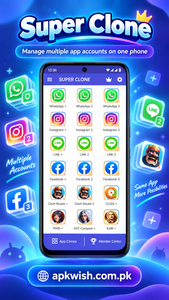
The main feature of the app is support for multiple accounts. Users can keep the original application installed while creating another instance for a second profile.
Simple App Cloning
Creating another instance of an application is usually straightforward. The user selects an installed app from the available list and adds it to the cloning space.
Separate Account Data
One of the useful parts of app cloning is account separation. Information stored inside the cloned application remains separate from the account being used in the original app.
Support for Social Applications
Many people use cloning tools for social applications because personal and professional profiles often need to remain separate.With compatible apps, users can keep one profile inside the standard application and another inside Super Clone.
Messaging Account Management
Users who need separate messaging profiles may also find the app convenient.
Instead of signing in and out several times during the day, supported messaging applications can be opened through different app environments.
Easy-to-Use Interface
Super Clone is designed around a relatively simple interface.
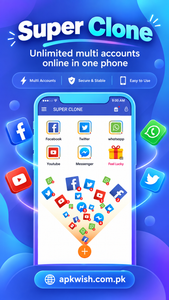
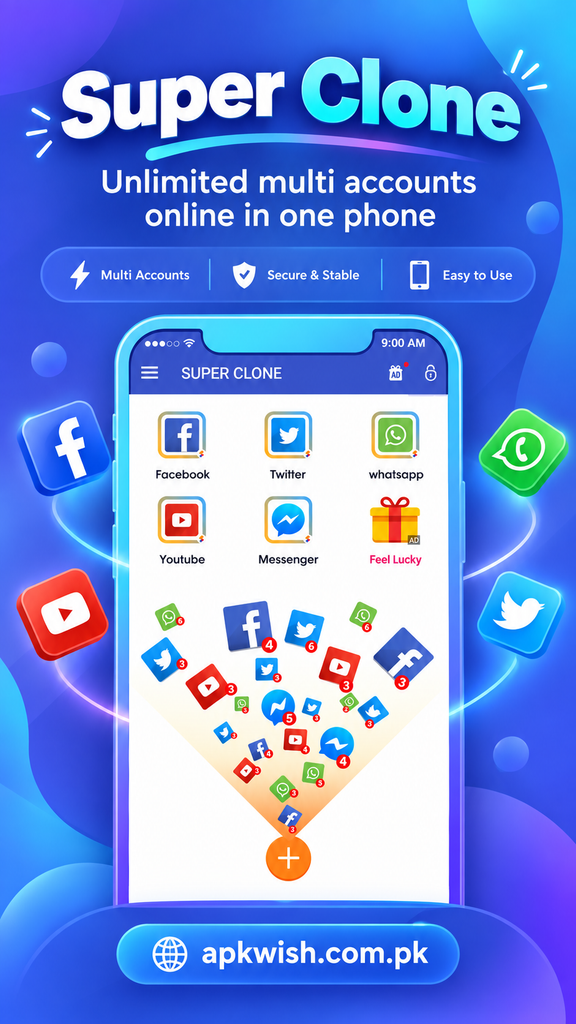
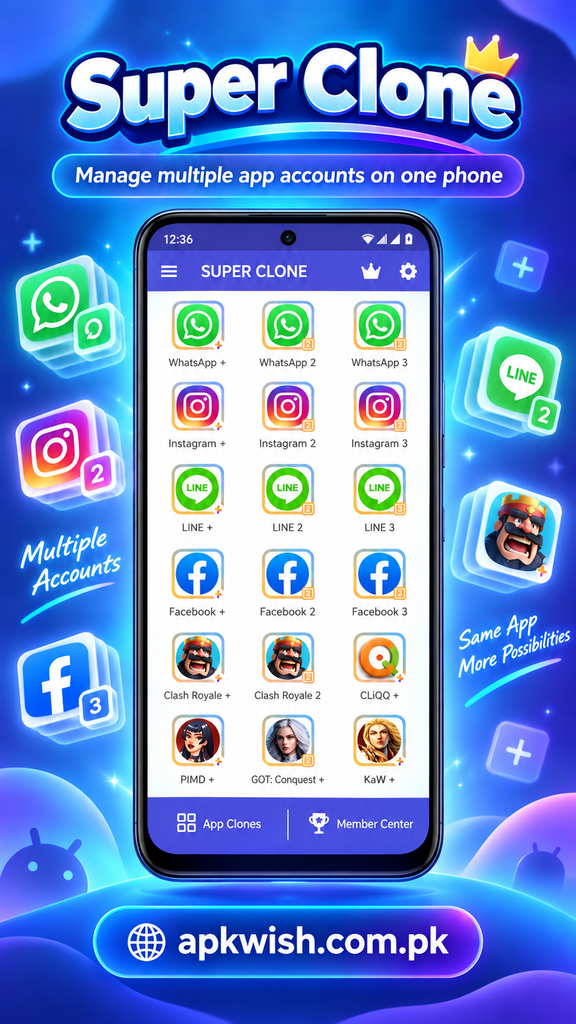
After opening the application, users generally see installed apps that may be added to the cloning area. Once an application has been selected, it can be opened from the cloned space.
This makes the app suitable even for users who are not familiar with advanced Android settings.
The available menus can change after updates, but the basic purpose remains the same: create and manage separate app instances.
Useful for Work and Personal Accounts
One common reason people search for Super Clone is to separate professional and personal activity.
For example, someone may have a personal social account for friends and another profile used for business communication. Switching passwords repeatedly can become frustrating.
A cloning app allows both accounts to remain available separately.
This type of setup can also make notifications and account management easier, although users should carefully check notification settings so they do not receive unnecessary duplicate alerts.
Gaming Account Support
Some users also use app-cloning tools to manage different game profiles.
A player may want to keep a primary game account while using another profile separately. If the game supports the environment correctly, Super Clone can make switching between profiles easier.
However, compatibility depends heavily on the individual game. Some games may restrict cloned environments, require additional verification, or fail to work correctly.
Users should always follow the game’s official terms and account rules.
Privacy Options
Applications that manage cloned accounts may provide privacy-related options depending on their version.
These can include features designed to keep cloned applications organized or prevent casual access to them.
However, users should not treat an app-cloning tool as a replacement for Android’s main security features.
A strong device lock, updated Android version, secure passwords, and account verification are still important for protecting personal information.
Notification Management
Running two versions of the same application may result in notifications from both accounts.
Super Clone may provide options for controlling how cloned apps behave, but Android notification settings can also be used to decide which alerts are allowed.
For example, a user may want notifications enabled for a work account during working hours while reducing unnecessary alerts from other cloned apps.
Proper notification management can make multiple-account usage more comfortable.
Performance and Device Resources
Every cloned application uses some phone resources.
- Running several apps at the same time may increase RAM usage, storage use, battery consumption, and background activity.
- Phones with more available memory usually handle multiple apps more comfortably than older devices with limited resources.
- Users who notice slow performance should close unused cloned apps and avoid creating unnecessary copies.
- Keeping some free storage space can also help Android operate more smoothly.
How to Download Super Clone?
Before downloading Super Clone, users should first check whether the app is available through a trusted application source.
The basic process is:
- Open the trusted download source.
- Search for Super Clone.
- Check the app name and available version.
- Download the installation file or install it through the available store.
- Review the permissions requested during installation.
- Complete the installation.
- Open the app and begin configuring supported applications.
Users should avoid random download pages that provide modified or unclear installation packages.
Installing applications from reliable sources reduces the risk of damaged files or unwanted software.
How to Install Super Clone APK on Android?
If someone downloads a Super Clone APK rather than installing directly from an app store, Android may require permission to install applications from that specific source.
The general process may include opening the downloaded APK, allowing installation permission when required, and following the Android installation screen.
After installation is complete, users can disable unnecessary installation permissions again.
Android menus can look different depending on the phone manufacturer and operating system version.
How to Clone an App?
Using the app is generally simple.
Open Super Clone and look for the list of supported applications installed on the device. Select the application you want to duplicate and add it to the cloning environment.
After the process is complete, open the cloned version and sign in with the second account.
The original app remains separate, allowing both accounts to be used independently.
Users should test important features such as notifications, account login, file access, and updates because cloned applications may behave differently from standard installations.
Super Clone for Multiple Social Accounts
Managing several social profiles is one of the most practical uses of the app.
People involved in online businesses, content management, community pages, customer communication, or personal networking may have more than one profile.
A cloning tool can reduce the time spent logging in and out.
However, users must still follow each platform’s policies regarding accounts, security, automation, and acceptable use.
Super Clone only provides a separate application environment; it does not change the rules of the original service.
Advantages of Super Clone
Super Clone offers several practical benefits.
Users can access multiple accounts without constantly signing out. Personal and work accounts can stay separated, while gaming or social profiles can also be easier to manage.
The interface is generally straightforward, so users do not need advanced technical knowledge to understand the basic cloning process.
For people who regularly use two accounts on supported apps, this can make daily phone usage more convenient.
Possible Limitations
App cloning also has some limitations.
Not every Android application works correctly inside a cloned environment. Certain banking, security, streaming, gaming, or heavily protected applications may detect cloning and refuse to run.
Some apps may also have problems with notifications, location services, sign-in verification, Google services, or background activity.
Battery and RAM usage can increase when several cloned apps remain active.
Because of these limitations, users should test each application individually rather than assuming every installed app will work perfectly.
Is Super Clone Safe to Use?
Safety depends on several factors, including where the application is downloaded, what permissions it requests, how recently it has been updated, and which accounts users connect to it.
Before installing any cloning application, users should check its permissions carefully.
Avoid giving unnecessary access to contacts, files, camera, microphone, or location unless a required function clearly needs that permission.
Account owners should also use strong passwords and enable extra verification options whenever the original service provides them.
Tips for Better Performance
To keep Super Clone working smoothly, avoid creating clones that are not actually needed.
Remove inactive cloned apps, clear unnecessary temporary files, keep Android updated, and close background apps when the phone begins to feel slow.
Users should also update important applications through trusted sources because outdated versions can create compatibility or security problems.
A phone with sufficient storage and memory will usually provide a better experience when several accounts are running.
Pros and Cons of Super Clone
Pros
- Helps manage multiple accounts.
- Reduces repeated login and logout steps.
- Useful for separate personal and professional profiles.
- Can support different social or gaming accounts.
- Simple interface for everyday users.
- Keeps cloned account data separate from the original app.
Cons
- Some applications may not support cloning.
- Running several apps can use more battery and memory.
- Notifications may occasionally be delayed.
- Compatibility can change after Android or app updates.
- Certain secure apps may block cloned environments.
FAQs of Super Clone
Super Clone is mainly used to create separate instances of supported Android applications so users can operate multiple accounts on one mobile device.
Yes, supported apps can usually be cloned so another account can be signed in separately from the original application.
No. Compatibility depends on the application, Android version, phone model, and current Super Clone version. Some apps may restrict cloned environments.
Compatible social applications may work inside the cloned environment, allowing users to keep different profiles available on one device.
Some games may work, but others can limit or block cloning. Users should follow the game’s account rules and test compatibility first.
Conclusion
Super Clone is a practical Android utility for users who want to manage more than one account without constantly logging out and signing back in. By creating a separate instance of supported applications, it can help keep personal, work, social, and gaming profiles organized on the same smartphone.
Its biggest advantages are convenience and account separation. However, users should remember that compatibility is not guaranteed for every application. Running multiple cloned apps can also increase battery, memory, and storage usage.
Before installing Super Clone, use a reliable download source, review requested permissions, and keep both Android and important applications updated. When used carefully, the app can provide a simple way to manage multiple profiles from one device.
Images