Dockit
1 Hours Ago
6.0 MB
v46.0
Android
1M
Description
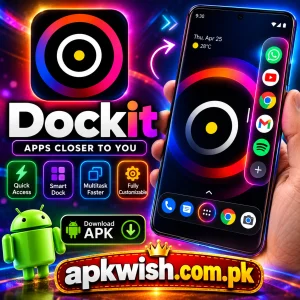
Dockit APK provides Android users with a faster way to open favorite applications, use shortcuts, and move between different tasks without repeatedly returning to the home screen. Instead of searching through several pages of apps, users can access a customizable dock directly from the edge of the display.
The app focuses on quick navigation, simple gestures, customization, and easier multitasking. Users can place frequently used applications inside the dock and open them while working in another app. This can be useful for people who regularly switch between messaging, browsers, social apps, productivity tools, and other Android applications.
What is Dockit APK?
Dockit is an Android utility application designed to provide faster access to selected applications and phone functions.
Its main feature is an edge launcher. Users can activate the launcher by performing a gesture from the side of the screen and then select an application without first returning to the standard Android home screen.
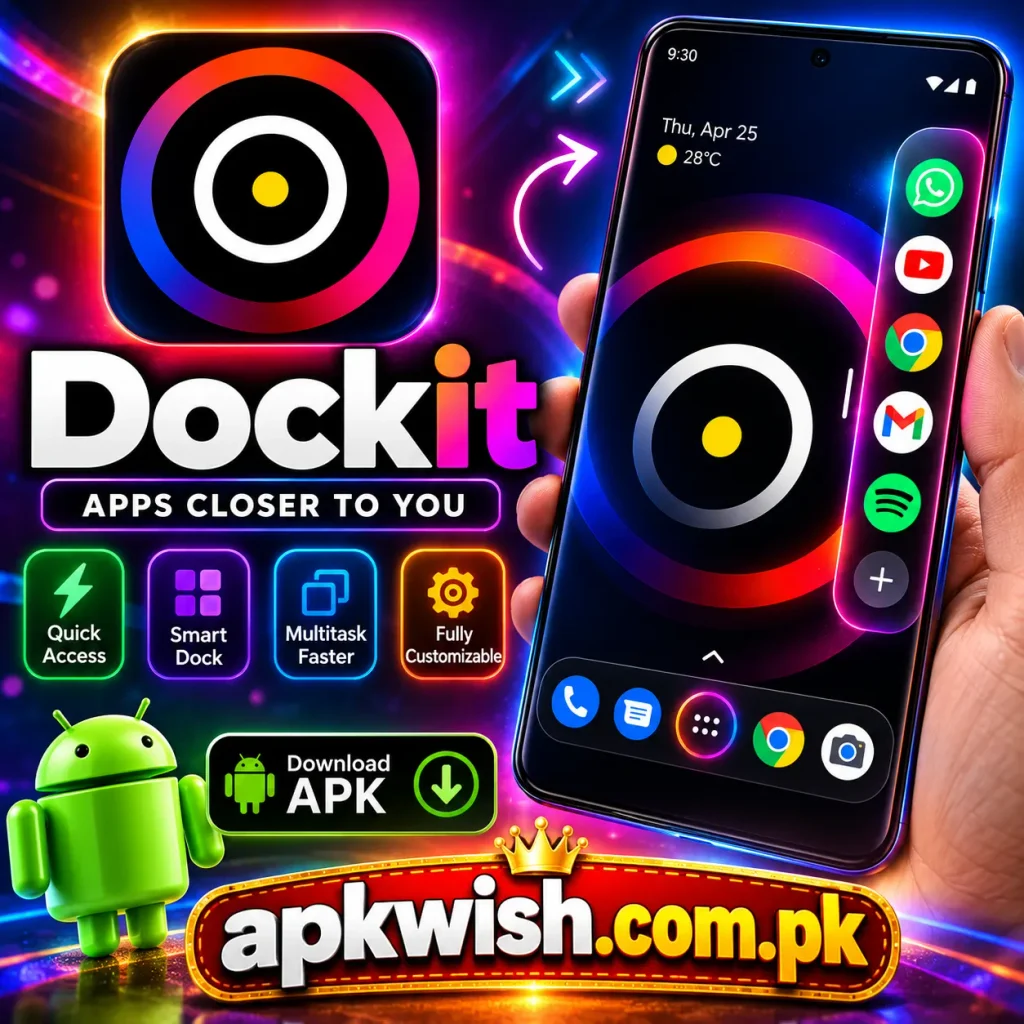
The application also offers visual customization features, giving users more control over how the launcher appears and behaves. Users can organize shortcuts according to their daily needs instead of keeping every installed application inside the quick-access area.
Quick App Access
One of the most important parts of Dockit is quick application access.
A normal Android workflow may require users to close or minimize one application, return to the home screen, search for another icon, and then open it.
Dockit reduces these steps by placing selected applications inside an edge-access panel.
Users can generally use it for applications such as:
- Web browsers
- Messaging apps
- Email applications
- Notes
- Music players
- File managers
- Social applications
- Productivity tools
- Calculator apps
- Other frequently used Android apps
The exact selection depends on which applications the user chooses to add.
Keeping only regularly used apps inside the dock can make the interface cleaner and easier to manage.
Edge Launcher System
The main Dockit navigation system works from the edge of the Android display.
According to its official Google Play description, the app uses a hold-and-release gesture system. Users swipe from the edge to reveal the dock, move toward the application they want, and release to open it.
This design is intended to make app switching feel more direct.
Users who regularly multitask may find this useful because the shortcut panel can be accessed without navigating through multiple home-screen pages.
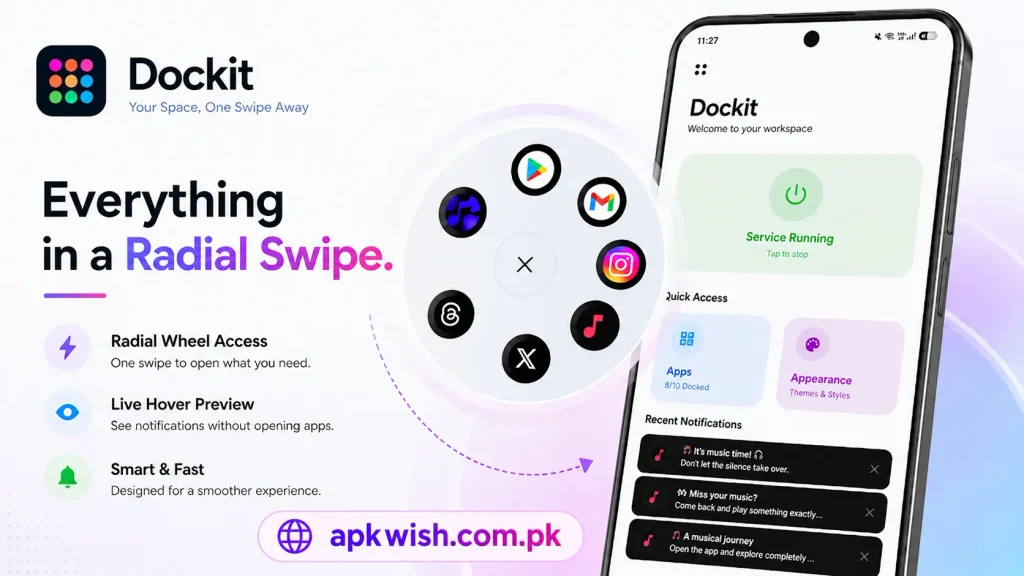
Linear and Radial Dock
Dockit provides more than one launcher style.
Linear Dock
The linear dock presents shortcuts in a more traditional side-panel format. Applications are arranged in an organized line that can be accessed from the edge.
This layout may suit users who prefer a simple and familiar design.
Radial Dock
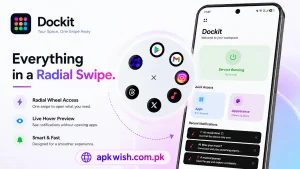
The radial layout presents applications in a wheel-style interface. This can make shortcuts easier to reach with one hand because applications are positioned around the gesture area.
Users can choose the layout that feels more comfortable on their device.
Customization and Themes
Dockit is not limited to basic shortcuts.
The application includes different visual backgrounds and appearance options designed to change how the dock looks on the screen.
Available styles listed by the developer include themes inspired by:
- Light designs
- Dark designs
- Frosted glass
- Neon appearances
- Gradient backgrounds
- Neumorphic designs
- Holographic-style effects
Customization does not completely change Android itself. Instead, it mainly changes the appearance of the Dockit launcher interface.
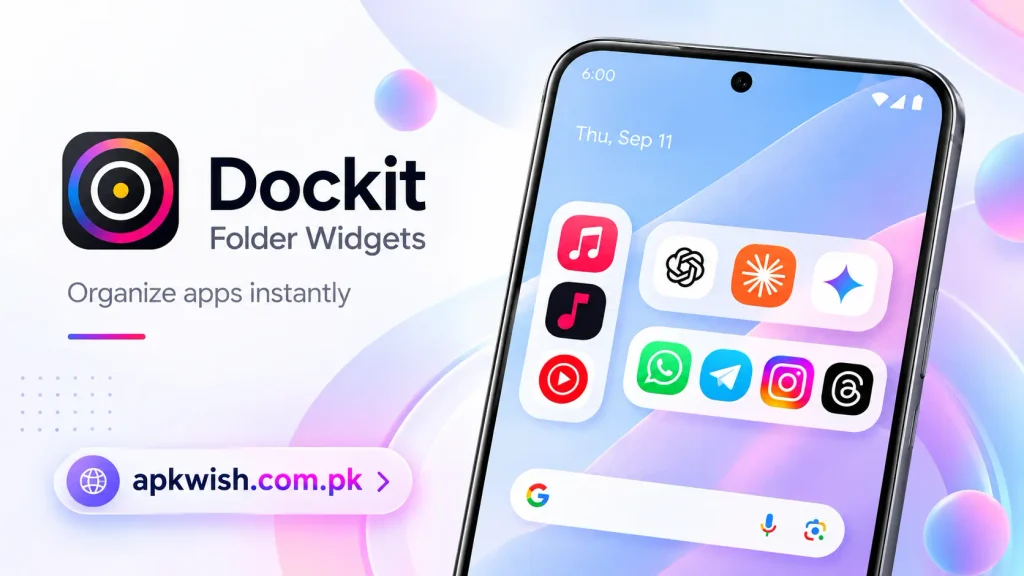
Folder Widgets
Newer versions of Dockit include folder-related tools.
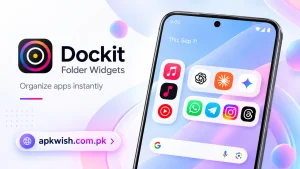
Folder widgets can help users place several related applications together rather than filling the launcher with individual shortcuts.
For example, a user could organize apps into groups such as:
- Communication
- Work
- Entertainment
- Shopping
- Utilities
- Social media
- Photography
This type of organization can be particularly useful for users who have many applications installed.
System Toggles
Dockit also provides access to several Android system functions.
Depending on the current version and device compatibility, available shortcuts may include functions such as:
- Flashlight
- Sound
- Wi-Fi
- Bluetooth
- Hotspot
- Notifications
These controls can reduce the need to move through multiple Android menus for frequently used settings.
Users should remember that available system controls can depend on the Android version and permissions allowed on the device.
Mobile Controls and Gestures
A launcher application needs comfortable controls because it may be used many times throughout the day.
Dockit focuses heavily on gestures.
Once configured, users can normally activate the launcher from the selected screen edge, move toward an application shortcut, and release to perform the chosen action.
At first, some users may trigger the launcher accidentally or miss the correct gesture area.
After adjusting the launcher position and practicing the gesture, navigation can become easier.
Users should experiment with settings until they find a configuration that does not interfere with normal Android navigation.
Android Performance of Dockit
Launcher utilities are generally expected to remain responsive because slow shortcut access would reduce their usefulness.
Dockit has received performance-related improvements according to its Google Play update notes, including smoother animations, better touch handling, and stability improvements.
Actual performance will still depend on the phone.
Older devices may behave differently from newer smartphones, particularly when many background applications are running at the same time.
Keeping unnecessary applications closed and maintaining enough free storage can help Android operate more smoothly.
Multitasking Experience
Multitasking is one of the main reasons users may choose Dockit.
A user could be reading something in a browser and quickly open a notes application. Another person might switch between email and a calendar or between a messaging app and file manager.
Useful multitasking habits include:
- Keep important apps inside the dock.
- Remove shortcuts that you rarely use.
- Group similar applications together.
- Place frequently used apps within easy thumb reach.
- Avoid filling the launcher with too many icons.
- Use folder widgets for related apps.
- Choose a gesture area that feels comfortable.
A carefully organized Dockit setup can be more useful than simply adding every installed application.
Accessibility Service
Dockit uses Android’s Accessibility Service to provide its edge-launcher functionality.
According to the developer’s Google Play description, the accessibility permission supports the user-requested launcher interface and quick access to selected applications.
The developer states that this service is activated only when the user enables it and can be disabled again through Android settings.
Because accessibility permissions can provide applications with important system-level capabilities, users should always review permission information carefully before enabling them.
Dockit Android Requirements
Performance and compatibility can depend on the Android version, phone model, available memory, installed applications, and current Dockit release.
Before installing Dockit APK, Android users should check these basic points.
| Requirement | Recommended Check |
|---|---|
| Operating System | Compatible Android version |
| Storage | Enough free storage |
| RAM | Sufficient memory for stable use |
| Display | Suitable screen size for edge gestures |
| Permissions | Only required permissions enabled |
| Accessibility | Enable only when needed for launcher functions |
Android settings can differ between manufacturers, so permission menus may not have exactly the same names on every phone.
How to Install Dockit APK?
Android devices can install applications through Google Play or compatible APK packages.
The general installation process is:
- Find Dockit from a trusted application source.
- Check the developer and package information.
- Download the application.
- Open the installation file if using an APK.
- Allow installation from that source if Android requests permission.
- Select the install option.
- Wait until Android completes installation.
- Open Dockit.
- Complete the initial launcher setup.
- Enable only the permissions required for the features you want to use.
- Add your preferred applications to the dock.
Android security settings vary between manufacturers, so individual steps can look slightly different.
Useful Tips for New Users of Dockit
New users sometimes add too many applications immediately. Starting with a simple layout usually makes the launcher easier to understand.
Add important apps first
Choose applications that you open several times each day.
Test the gesture position
Move or adjust the activation area if it interferes with normal Android controls.
Try both layouts
The linear dock may feel more familiar, while the radial layout may be easier for one-handed navigation.
Keep folders organized
Place similar applications in the same folder instead of creating unnecessary clutter.
Choose a simple theme
A visually complicated background can make icons harder to identify. Select an appearance that remains easy to read.
Review permissions
Check Android permissions and keep only the access required for the features you use.
Rearrange applications
Dockit supports rearranging items, so put frequently used applications in the easiest positions.
Why Dockit Can Be Useful?
The strongest part of Dockit is its approach to Android navigation.
Most smartphone users repeatedly open the same small group of applications throughout the day.
Searching through an app drawer every time can add unnecessary steps.
Dockit provides an alternative by keeping selected shortcuts available through an edge gesture.
The application also allows users to build different shortcut arrangements depending on how they use their phones.
One person may create a work-focused dock containing email, documents, notes, and a calendar.
Dockit Updated Version
Users searching for the latest Dockit APK generally want recent launcher improvements, better device compatibility, new customization functions, or performance fixes.
The Google Play listing updated in September 2026 mentions improvements such as upgraded folder widgets, system toggles, dock animation options, app reordering, setup guidance, improved touch handling, and smoother animation performance.
Before installing any external APK, users should verify the version information and application source.
Files downloaded from unofficial websites may sometimes be renamed or modified, so checking the developer and package information is important.
Is Dockit Good for New Users?
The basic idea behind Dockit is straightforward: create a shortcut dock and access it using a gesture from the edge of the screen.
New users may need a little time to understand its positioning, gestures, folders, layouts, and permission settings.
Once the launcher has been configured, everyday operation becomes simpler.
The application may be especially useful for people who regularly switch between multiple Android applications and want to reduce repeated movement through the home screen.
Final Thoughts of Dockit
Dockit APK provides an Android multitasking and shortcut experience built around quick app access, edge gestures, customizable layouts, folder widgets, themes, system controls, and convenient application switching.
The combination of linear and radial launchers gives users different ways to organize their favorite applications. Folder tools and rearrangement options also make it possible to create a setup based on individual usage habits.
The Dockit app can be particularly useful for Android users who regularly switch between several applications. Before installing an APK from outside an official store, users should still verify its source, developer information, package details, device compatibility, and requested permissions.
FAQs
Yes. Dockit is available as an Android application.
It allows users to create an accessible dock containing application shortcuts and supported system functions.
Yes. The app provides linear and radial-style launcher options.
Yes, user can costomize the launcher using different backgrounds, layouts, folders, animations, and arrangement options.
Yes. Current versions include folder-widget features for organizing applications.
Images