ChemPlay
1 Hours Ago
77 MB
v1.2.43
Android 6.0+
5,000+
Description
Chemistry can feel difficult when it is only explained through formulas, equations, and long textbook chapters. ChemPlay offers a different approach by combining chemistry ideas with mobile gameplay. Players can explore chemical elements, create compounds, solve reaction-based challenges, and manage a virtual chemical factory.
The app is designed for people who enjoy science as well as casual mobile games. Instead of presenting chemistry only as study material, it turns many concepts into interactive activities.
Before downloading, always check the developer, device requirements, permissions, and current app description because features can change after updates.
What is ChemPlay?
ChemPlay is an educational chemistry game that combines science concepts with different types of mobile gameplay. Instead of simply reading about elements and chemical reactions, users can interact with them through puzzles, factory management, and laboratory-style challenges.
According to its official Google Play description, the game includes three main experiences: Reaction Arena, Chemical Factory, and Speed Titration. The app also introduces ideas related to the periodic table, formulas, compounds, and chemical equations.
The main purpose is to make chemistry more interactive. Students may recognize familiar elements and formulas, while casual players can enjoy the progression and puzzle systems even if they are not studying chemistry professionally.
Chemistry Games and Learning
One of the main strengths of ChemPlay is that it does not depend on only one type of gameplay. Different modes introduce chemistry ideas in different ways.
This can make the experience more interesting because players can move between puzzles, management activities, and precision-based challenges.
The game should not replace a chemistry textbook or teacher, but it can provide an additional way to become familiar with chemical names, formulas, and reactions.
Reaction Arena
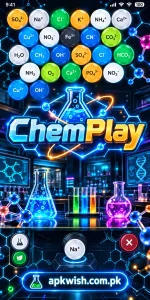
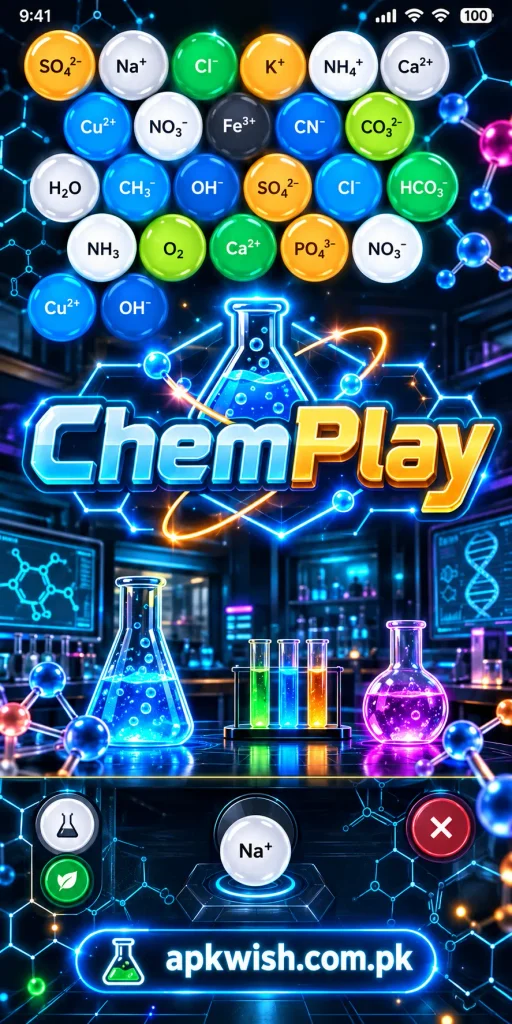
Reaction Arena uses a bubble-shooter style system. Players aim and combine chemical elements while trying to clear the board.
The chemistry theme makes the activity different from a standard matching game. Instead of working only with colors or shapes, players may see chemical symbols and reactions connected with the gameplay.
This mode can help users become more familiar with element symbols through repeated exposure.
Chemical Factory
The Chemical Factory mode focuses more on management and progression.
Players gather raw materials, create compounds, improve equipment, and manage a virtual chemical production system. The official description mentions mining elements, synthesizing compounds, upgrading laboratory equipment, completing contracts, and earning resources.
This part of ChemPlay may appeal to users who enjoy idle games and tycoon-style progression.
Players can gradually develop the factory rather than completing everything in one session.
Speed Titration
Speed Titration is based on the chemistry process of titration.
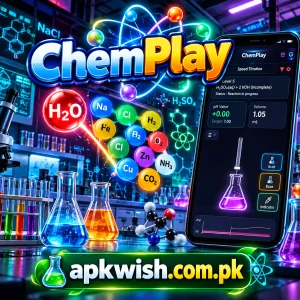
The game asks players to control the process carefully and balance acids and bases while working against time. The aim is to reach the correct result as accurately as possible.
It introduces the general idea of pH balance and laboratory precision through a simple mobile challenge.
ChemPlay Download and Setup
Start your ChemPlay download by checking the official listing available for your device.
The Android version is listed on Google Play, while an iPhone and iPad version is available through Apple’s App Store.
Installation Steps:
- Open the official app store on your phone.
- Search for ChemPlay.
- Check the developer and app description.
- Review the device compatibility information.
- Read the permissions and data-safety details.
- Tap the installation button.
- Wait for the download to complete.
- Open the app.
- Follow any instructions shown on the screen.
Using the official store is usually the simplest option because updates can also be installed through the same platform.
Free Access and In-App Features
The official Google Play listing describes the game as free to play, but it also shows advertisements and in-app purchases. Apple also lists the app as free with in-app purchases.
That means installing ChemPlay does not necessarily mean every optional feature is included without cost.
Before paying for anything inside an app, check:
- What the purchase unlocks
- Whether it is a one-time payment
- Whether another payment may be required later
- Whether advertisements are removed
- Whether the feature is useful for you
Trying the free features first can help you understand the gameplay before choosing any optional purchase.
Device Compatibility and Performance
Performance can depend on your phone, available storage, operating-system version, and background activity.
Apple currently lists its version as requiring iOS 15.1 or later, while Google Play provides the Android version through its own compatibility system.
Before installing ChemPlay, make sure your phone has enough free space for the initial installation and future updates.
A device with very little free storage may become slower during installation or gameplay.
Tips for a Better Experience
A few simple habits can make the app easier to use.
Useful Tips:
- Learn the basic chemical symbols shown in the game.
- Read instructions before starting a new mode.
- Upgrade useful factory equipment gradually.
- Check formulas carefully before combining materials.
- Keep some free storage on your phone.
- Install official updates when appropriate.
- Close unnecessary background applications if performance becomes slow.
- Review new features after major updates.
Players who are new to chemistry do not need to understand every formula immediately. Learning the names and symbols gradually can make later levels easier to follow.
Common Problems and Simple Solutions
The app will not install
If ChemPlay does not install, first check available storage and device compatibility.
You can also restart your phone and try the download again.
If you are installing an APK file manually, make sure the file is designed for your Android version and comes from a source you trust.
The game feels slow
Close other apps running in the background.
You can also restart your device and check whether enough storage is available.
Older phones may have more difficulty displaying animations or running several processes at the same time.
Progress is not updating
Check whether the game requires an internet connection for the feature you are using.
If a factory timer or reward does not appear correctly, close and reopen the app.
Avoid repeatedly clearing application data because locally stored progress or settings may be affected.

The app closes unexpectedly
Restart ChemPlay and check for a newer version.
If the issue continues, restart your phone and confirm that your operating system is compatible.
You can also check the official store listing for recent update information.
ChemPlay Interface
The interface combines laboratory visuals with familiar mobile-game controls.
Players can move between activities instead of remaining on one screen for the entire game.
Depending on the current version, users may find areas for factory management, chemical reactions, upgrades, mini-games, resources, and other activities.
The official descriptions also mention smooth animations and a modern visual design.
Because features are regularly updated, the exact appearance may be different from older screenshots or guides.
ChemPlay APK for Android
Some Android users search for ChemPlay APK when they want the Android installation package directly.
An APK is the file format Android uses to install applications.
Before manually installing any APK, check:
- App name
- Developer details
- Version number
- Android requirements
- File source
- Requested permissions
- Available storage
Installing modified or unknown files can create security and stability problems.
If the official Google Play version is available on your phone, it is generally easier to use that listing for installation and updates.
Updates and New Versions
Updates can add new content, improve performance, correct errors, or adjust gameplay.
The official listings show that the app has received updates that add chemical recipes, new elements, mini-games, performance improvements, and interface changes.
Before updating ChemPlay, you can read the latest version notes to understand what has changed.
Users with limited storage or mobile data may also want to check the update size first.
Keeping the app current can be useful when an older version has compatibility or performance problems.
Is ChemPlay Easy to Use?
The main controls are based on common mobile-game ideas such as tapping, aiming, selecting upgrades, and managing resources.
This makes ChemPlay easier to approach than a traditional chemistry simulator designed for professional laboratory work.
However, some chemical names and formulas may be unfamiliar to beginners.
That is not necessarily a problem. Players can learn them gradually by seeing the same elements and compounds during normal gameplay.
The overall experience depends on:
- Your interest in chemistry
- Your preferred type of mobile game
- Device performance
- Knowledge of chemical symbols
- Interest in puzzles
- Interest in factory management
- Current app version
Who Can Use the App?
The app may be useful for several types of users.
Students can use it as an entertaining way to see chemistry-related symbols and formulas.
Science fans may enjoy creating compounds and managing chemical resources.
Casual players may enjoy the bubble-shooter and tycoon systems even if they are mainly interested in gameplay.
Because ChemPlay mixes learning themes with entertainment, users do not need to approach every mode as a lesson.
It can simply be played as a chemistry-themed mobile game.
Final Thoughts
ChemPlay offers an unusual combination of chemistry, puzzles, laboratory challenges, and factory management.
The different game modes help prevent the experience from becoming repetitive. Players can work with chemical reactions, manage production, complete titration challenges, and become more familiar with chemistry symbols along the way.
Before installing, check the official listing, compatibility information, current version, permissions, and any optional purchases.
For students, it may provide a more interactive way to encounter chemistry concepts. For casual players, the scientific theme adds something different to familiar puzzle and tycoon gameplay.
FAQs
The app is available as a free download, but the official store listings show advertisements and optional in-app purchases.
It is a chemistry-themed educational game that combines chemical reactions, factory management, puzzles, and laboratory-style challenges.
It is the Android installation package used to install the game on compatible Android devices.
Yes. Students interested in chemistry may enjoy seeing chemical elements, formulas, reactions, and pH-related ideas presented through gameplay.
The official description says the game includes chemical elements, formulas, equations, and periodic-table learning themes.
Images