Lily’s Garden
2 Hours Ago
239.5MB
v7.1
android 6.0+
1 million
Description
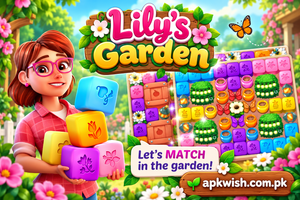
Puzzle games are a popular choice for mobile players because they are simple to understand and can be played in short sessions. Some games focus only on solving levels, while others mix puzzles with decoration, characters, and a continuing story. Lily’s Garden combines these ideas in one colorful mobile game.
The game follows Lily as she works on restoring a garden and estate. Players solve matching puzzles to move forward and gradually unlock new areas, decorations, and story chapters. The combination of puzzle challenges and garden customization gives players more to do than simply completing one level after another.
What Is Lily’s Garden?
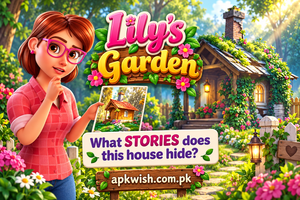
Lily’s Garden is a casual puzzle and renovation game published by Tactile Games. The main character, Lily, inherits her great-aunt Mary’s estate and begins bringing the neglected garden back to life.
Players complete colorful puzzle stages and earn progress that can be used to continue renovation tasks. As new parts of the property open, players can choose decorations and see the garden change step by step.
The game is not limited to decoration. A continuing storyline introduces neighbors and other characters while revealing more information about Lily’s family and the estate. This makes progress feel connected to a larger adventure instead of being a simple collection of separate puzzle stages.
Main Features of Lily’s Garden
Colorful Puzzle Levels
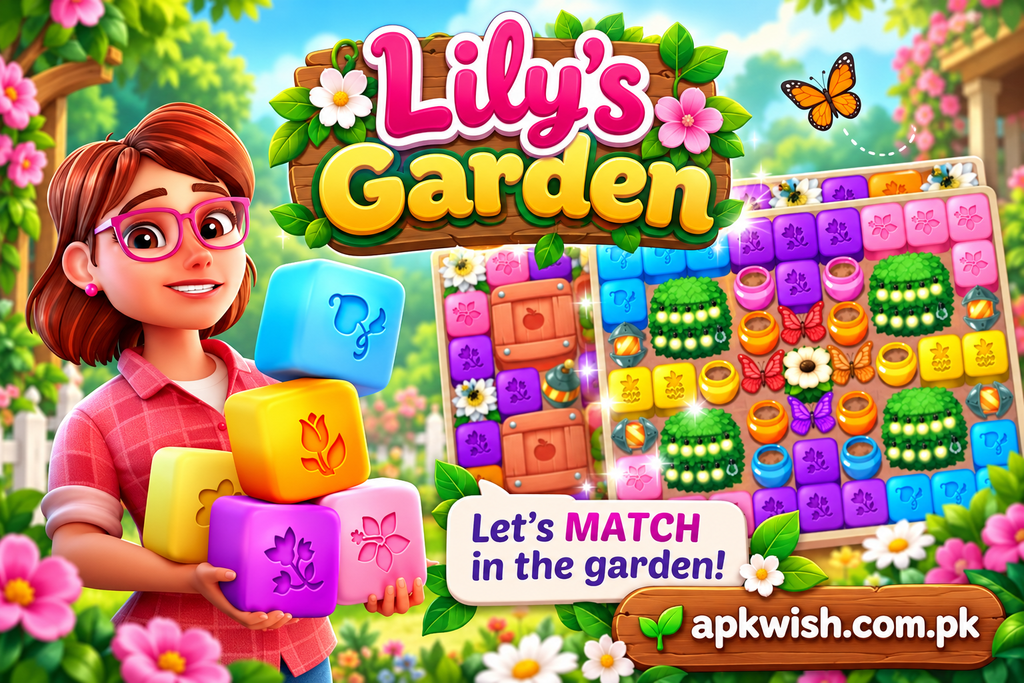
Puzzle stages form an important part of the game. Players clear matching groups and complete objectives shown for each level.
Early stages help players understand the basic controls, while later challenges introduce more obstacles and different goals. This keeps the puzzle system from feeling exactly the same throughout the game.
Garden Renovation
One of the most noticeable parts of Lily’s Garden is its renovation system.
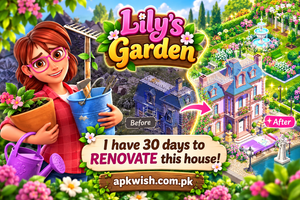
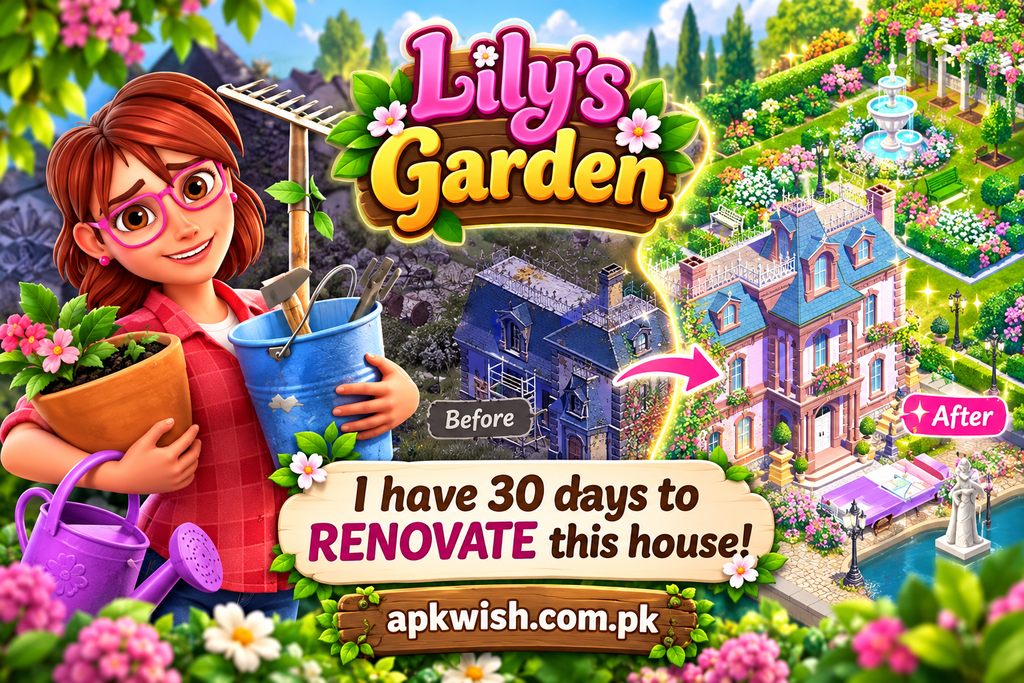
Instead of completing puzzles without seeing any major change, players can gradually improve different areas of the estate. Old or empty spaces can become colorful garden sections with paths, flowers, furniture, and other decorative items.
Different Decoration Choices
The game gives players choices during many renovation tasks.
For example, several styles may be available when selecting a decoration. Players can choose an option based on how they want the garden to look.
Story-Based Progress
The story develops as players continue through renovation tasks and puzzle levels.
Lily meets different characters, solves problems around the estate, and learns more about her surroundings. New conversations and situations appear as additional sections become available.
Useful Boosters
Some puzzle stages can become challenging, especially when several objectives need to be completed within a limited number of moves.
Boosters can help clear larger areas of the puzzle board or remove difficult objects. Using them at the right moment can make a difficult stage easier.
Easy Controls
The controls are designed for mobile screens.
Most actions require simple taps, making the game easy to learn for people who do not regularly play complicated mobile games.
Attractive Garden Areas
Different areas become available as the player moves forward.
Renovating these locations changes the appearance of the estate and gives a clear sense of progress. Fresh flowers, paths, outdoor furniture, and decorative objects help make each completed area look different from its starting condition.
Regular Puzzle Progress
The game contains a large collection of puzzle stages, with additional content continuing the story and renovation journey. The current Google Play listing also describes thousands of levels and continuing additions to the game.
How to Play Lily’s Garden?
Playing the game is fairly simple.
Start by opening the current puzzle level. Look at the objective before making the first move so that you know which items need to be removed.
Match or clear the required pieces while watching the number of moves available. Creating larger combinations can produce stronger effects and help remove more objects.
After completing a stage, continue with the available garden or story tasks.
The basic gameplay loop is:
Solve puzzles → complete objectives → continue renovation → unlock story content → open new areas.
This repeated structure makes the game easy to understand while still providing different tasks.
Tips for Completing Puzzle Levels
A little planning can make difficult stages easier.
Check the Goal First
Do not start tapping pieces randomly. Look carefully at the level objective before making your first move.
Knowing exactly what needs to be cleared helps prevent wasted moves.
Create Bigger Combinations
Larger groups can often produce more useful effects than small matches.
If you see an opportunity to create a larger combination, it may be better to wait for it instead of clearing a small group immediately.
Focus on Difficult Areas
Some pieces may be located in harder-to-reach sections of the board.
Try to clear these areas early. Leaving the most difficult section until the final few moves can make the level harder to complete.
Save Boosters
Boosters can be valuable on harder stages.
Saving them for difficult situations gives you more options when normal moves are not enough.
Avoid Wasting Moves
Every move should ideally help with the main level objective.
Clearing pieces that do not contribute to your goal may reduce your chances of completing the stage.
Garden Design and Customization
The decoration system is one of the reasons the game feels different from a standard puzzle title.
Players do not simply earn a score and move to another stage. Puzzle progress connects to visible improvements around the property.
When a new renovation choice appears, players can select the design they prefer. This may include different garden items, furniture, plants, or decorative styles.
The official description says players can renovate and expand the garden with different decorations while unlocking additional areas of the estate.
How to Download Lily’s Garden?
Android users should use a trusted official store whenever possible.
A simple installation process is:
- Open the Google Play Store.
- Search for Lily’s Garden.
- Check that the listing shows the correct game and publisher.
- Tap the Install button.
- Allow the download and installation to finish.
- Open the game from your device.
Before downloading, users should also make sure their phone has enough free storage and a stable internet connection.
Avoid unknown download pages when an official store version is available.
Why Players May Like Lily’s Garden?
The game combines several types of entertainment.
Puzzle fans can focus on completing levels, while creative players may enjoy selecting decorations and watching the property improve.
Players who enjoy story-driven games also have characters and ongoing events to follow.
Because these elements are connected, completing a puzzle has a purpose beyond simply increasing a score. Each victory helps move another part of the garden project or story forward.
Is Lily’s Garden Free to Play?
The current Google Play listing shows Lily’s Garden as available to install with optional in-app purchases and advertising.
Players can therefore begin playing without buying the game. Optional purchases may be offered for certain resources or other items.
Always review purchase information before confirming any payment.
Is Lily’s Garden Worth Playing?
It can be a good choice for players who enjoy casual puzzles combined with decoration and story progress.
People who prefer fast competitive action may find the style slower. However, players who like relaxing puzzle levels, garden improvement, and unlocking new sections may enjoy its structure.
The biggest attraction is the connection between puzzles and renovation. Solving stages gradually changes the garden, so the player can clearly see the results of their progress.
FAQs About Lily’s Garden
The game is published by Tactile Games.
Yes. Puzzle stages are a major part of the gameplay and are connected to renovation and story progress.
Yes. Players receive different design choices while restoring sections of the property.
Yes. The game follows Lily and other characters while new story events become available as the player progresses.
Yes. An official Android version is available through Google Play.
Conclusion
Lily’s Garden mixes puzzle solving, garden renovation, decoration, and storytelling in one casual mobile experience. Instead of moving through disconnected puzzle stages, players can use their progress to restore different parts of an estate and discover new story events.
Its simple controls make the basic gameplay easy to understand, while harder levels provide more challenge as players continue. Garden customization gives players a chance to choose how certain areas look, and the storyline adds another reason to keep progressing.
For players who enjoy colorful puzzle games and relaxing decoration features, Lily’s Garden provides a large amount of content in an easy-to-follow format. Take time to study each puzzle objective, use boosters carefully, and enjoy improving the garden one section at a time.
Images